
In 2026, the content landscape is more competitive than ever. Creators, marketers, and businesses are constantly searching for ways to produce high-quality, engaging content faster and more efficiently. The solution? A new generation of intelligent assistants. The best AI tools for content creation are no longer a futuristic concept but an essential part of the modern creator's toolkit, revolutionising workflows across every medium.
From generating cinematic video clips from a single line of text to crafting on-brand marketing copy in seconds, these platforms solve the persistent challenge of balancing quality with speed. A particularly revolutionary advancement is the ability to automate video production; a process detailed in this guide to script to video AI content creation, which allows users to transform written text into engaging visual narratives with minimal effort. This capability represents a significant shift in how visual content is produced.
But with so many options available, how do you choose the right one for your specific needs? This comprehensive guide cuts through the noise. We have curated and analysed the top platforms, breaking down their specific strengths, practical use cases, and honest limitations. Each entry includes direct links and visual examples to clarify its functionality. Whether you're a solo creator, a social media manager, or part of a large marketing team, you will find the right tool to streamline your process, spark creativity, and achieve your content goals. Let's explore the platforms shaping the future of digital content.
1. Glima AI
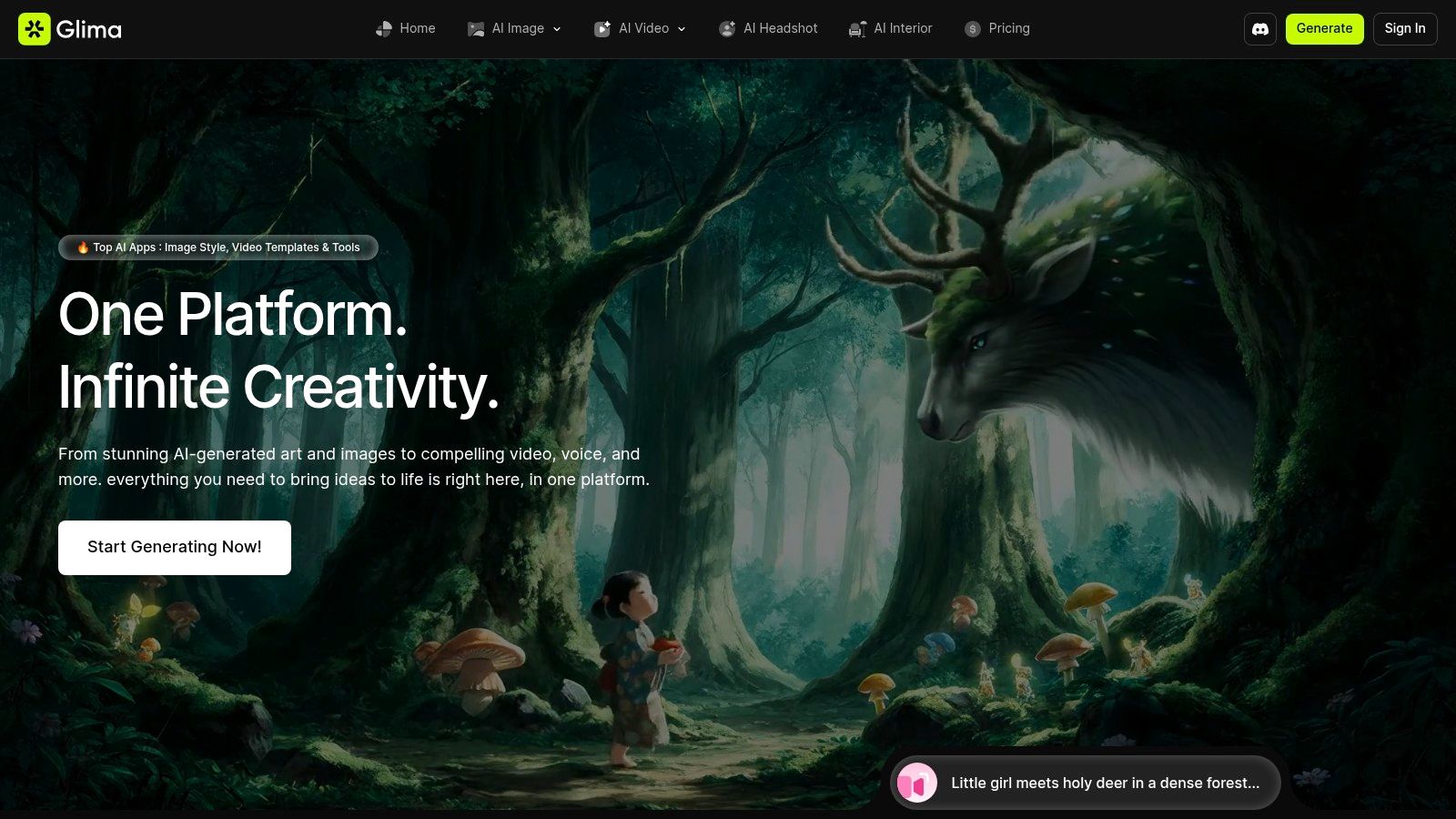
Glima AI establishes itself as a commanding force in the generative landscape, offering an all-in-one, cloud-based platform designed to consolidate an entire creative workflow. It moves beyond single-function tools by integrating text, image, and video generation into a unified, no-code environment. This makes it an exceptionally strong choice among AI tools for content creation for teams and individuals aiming to streamline their production pipeline from initial concept to polished final asset. The platform's core strength lies in its remarkable breadth and speed, allowing creators to produce high-quality images and cinematic videos in seconds.
Key Features & Use Cases
Glima AI’s feature set is extensive, organised to support rapid iteration without sacrificing quality. Its powerful generators handle everything from text-to-image and text-to-video creation to complex multi-reference animations and AI-powered video avatars with accurate lip-syncing.
For Marketers & Social Media Managers: Quickly generate on-brand visuals using a library of over 100 styles (like 3D isometric or photorealism) and templates. Create engaging short-form videos and animated assets for campaigns without deep technical expertise. The one-click effects, such as ‘Cakeify’ or ‘Squish It’, are perfect for producing playful, attention-grabbing social content.
For E-commerce & Product Teams: Utilise specialised workflows for creating professional product photoshoots, realistic virtual try-ons, and on-hand mockups. The suite of smart editors, including background removal, 4K upscaling, and a magic eraser, ensures product images are clean, crisp, and ready for any digital storefront.
For Designers & Filmmakers: The platform's ability to create cinematic-quality videos from simple prompts offers a powerful tool for storyboarding, pre-visualisation, and generating B-roll footage. It also excels at practical editing tasks, such as unblurring footage and removing watermarks, saving significant post-production time.
According to user testimonials, Glima AI is "creative magic," capable of producing "cinematic-quality videos in seconds" and replacing multiple disparate tools within a single workflow. This user feedback underscores its intuitive UX and impressive output quality.
Pros and Cons
| Pros | Cons |
|---|---|
| Comprehensive Toolset: A true all-in-one platform covering images, long-form video, animation, avatars, and extensive editing. | Pricing Transparency: You must visit the website's Pricing page directly for current costs, as they are not detailed in general copy. |
| Rapid, No-Code Workflow: Over 100 styles and templates enable fast, on-brand content creation for non-technical users. | Generative Variability: As with any AI tool, outputs can be inconsistent; complex or highly niche projects might require manual refinement. |
| Business-Focused Workflows: Practical, specialised functions for product photography, headshots, and virtual try-ons. | |
| Strong Social Proof: User testimonials consistently praise its speed, quality, and workflow consolidation benefits. |
Website: https://glima.ai
2. Adobe Firefly
Adobe Firefly is the creative technology giant's dedicated generative AI hub, designed to augment existing creative workflows rather than replace them. It stands out by being deeply integrated into the Adobe Creative Cloud ecosystem, making it one of the most powerful AI tools for content creation for professionals already using Photoshop, Illustrator, or Adobe Express. This integration allows creators to generate images, text effects, and vector graphics directly within the applications they use daily.
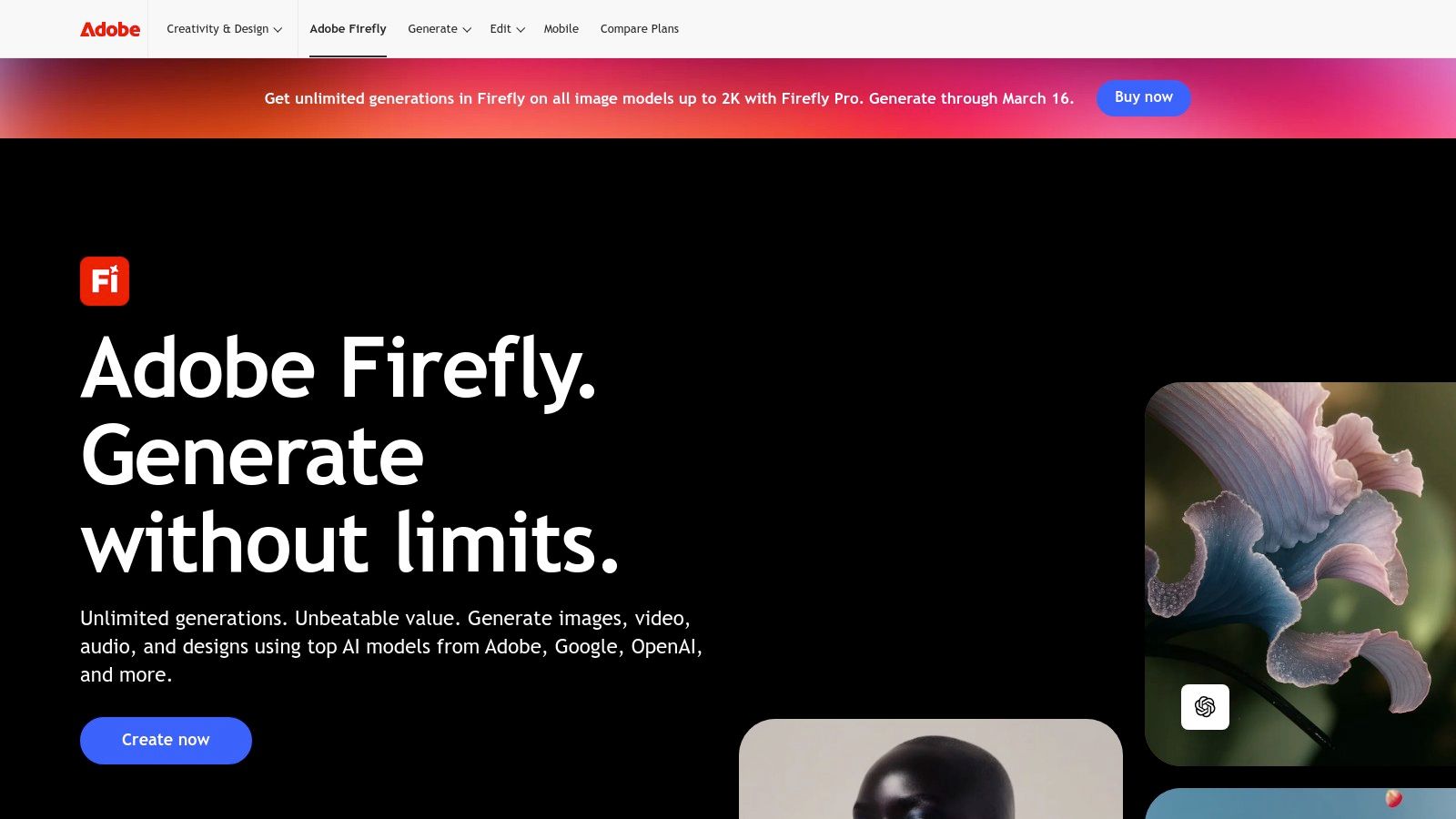
A key differentiator is its training data. Adobe has trained Firefly on Adobe Stock's licensed library and openly licensed content, ensuring that the generated assets are commercially safe to use. This provides a crucial layer of confidence for brands and professional creators concerned with copyright infringement.
Key Features and Use Cases
- Standout Feature: The Generative Fill and Generative Expand tools within Photoshop are game-changers. You can seamlessly add, remove, or extend parts of an image with a simple text prompt, matching the original's lighting and style.
- Ideal For: Graphic designers extending background scenery, social media managers creating bespoke ad creatives from stock photos, and illustrators generating colour variations or vector patterns.
- Practical Tip: Use the "Reference Image" feature in the standalone Firefly web app to guide the AI's style, ensuring your generated assets align closely with your brand's existing visual identity.
Pricing and Access
Adobe Firefly operates on a credit-based system. Free users receive a monthly allocation of "fast" generative credits, while paid Creative Cloud subscribers get a larger, faster monthly allowance. Heavy usage, particularly for high-resolution images or the upcoming video generation features, will consume credits quickly. Additional credit packs are available for purchase.
| Pros | Cons |
|---|---|
| Unmatched integration with Adobe Creative Cloud apps. | The credit system can be limiting for power users. |
| Generates commercially safe and brand-friendly content. | Pricing plans and credit inclusions can be complex. |
| Powerful in-painting and out-painting features. | Reliance on the Adobe ecosystem may not suit all creators. |
Website: https://www.adobe.com/firefly
3. Canva Magic Studio
Canva Magic Studio integrates a suite of AI-powered features directly into the familiar Canva design interface, aiming to dramatically speed up content creation for social media, marketing, and business presentations. Rather than being a standalone tool, it enhances the existing template-driven workflow, making it one of the most accessible AI tools for content creation for non-designers and busy teams. Its strength lies in combining text generation, media creation, and format conversion within a single, easy-to-use platform.
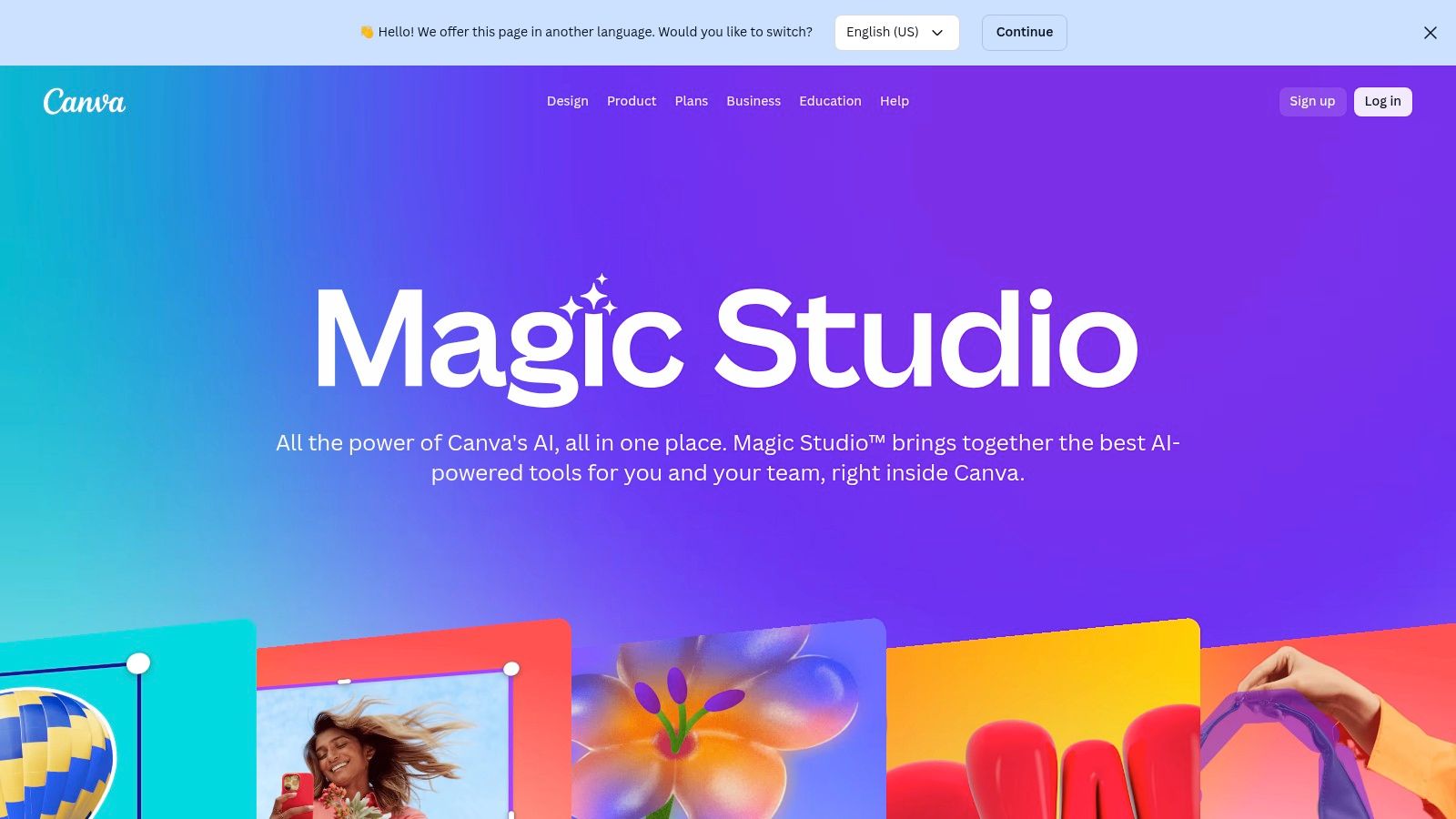
The platform is designed for rapid, high-volume production. Team-focused features like Brand Kits ensure that all AI-generated content remains consistent with brand guidelines, a crucial element for marketing departments. With its vast library of templates and an app marketplace that includes integrations like DALL-E and Imagen, Canva acts as a centralised hub for producing polished, on-brand assets with minimal friction.
Key Features and Use Cases
- Standout Feature: The Magic Switch tool is incredibly efficient. It allows you to transform a design into an entirely different format (e.g., a presentation into a blog post or social media carousel) and even translate the text into multiple languages with a single click.
- Ideal For: Social media managers creating multi-platform campaign assets, marketing teams needing to localise advertisements, and individuals quickly generating presentations or documents from a simple prompt.
- Practical Tip: Use Magic Write to brainstorm initial copy ideas directly on your design canvas. Ask it to generate headlines, social media captions, or body text, then refine the output to match your brand's voice perfectly.
Pricing and Access
Many Magic Studio features are available to free Canva users, but with usage limits. To unlock the full potential, including higher usage caps for Magic Media and access to all AI tools, a Canva Pro or Canva for Teams subscription is required. Canva offers a localised Indian site and regional billing options, making it accessible for users in the region.
| Pros | Cons |
|---|---|
| Very low learning curve integrated into a familiar UI. | Key AI features are gated behind paid plans with usage caps. |
| Excellent team features and brand controls for consistency. | Some users report intermittent access issues to Magic tools. |
| India-localised site and regional billing available. | Generated media quality may not match specialised AI tools. |
Website: https://www.canva.com/en_in/magic/
4. Runway
Runway has positioned itself as a pioneering browser-based video creation suite, pushing the boundaries of text-to-video generation. It offers a comprehensive set of tools, including its advanced Gen-2 model, that allow creators to produce cinematic clips, animated sequences, and conceptual films directly from text prompts or existing images. This makes it one of the most accessible yet powerful AI tools for content creation for filmmakers and marketers looking to prototype ideas quickly.
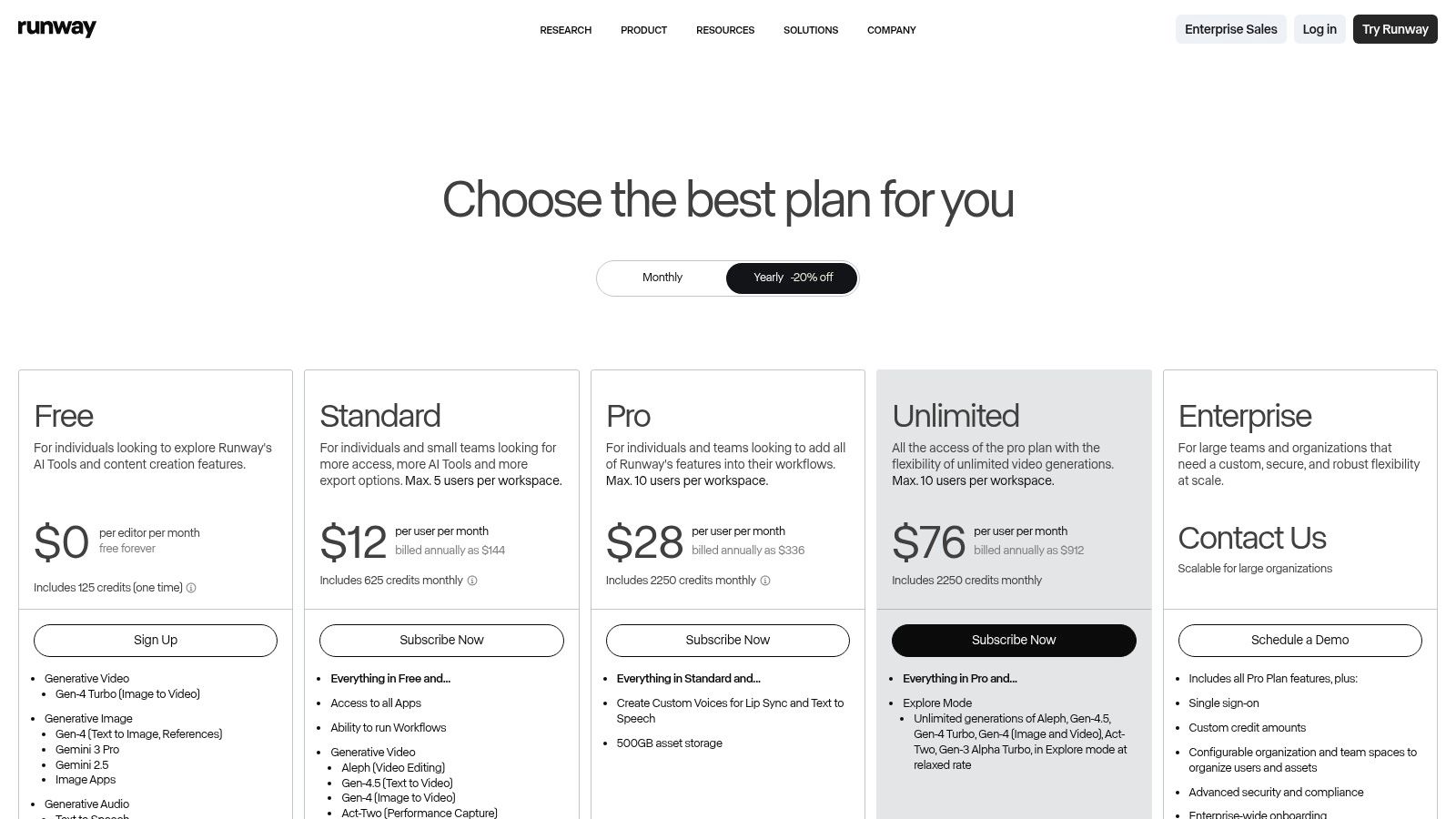
The platform consolidates multiple AI magic tools, from video and image generation to a full timeline editor with integrated audio tools, into a single cohesive workflow. This eliminates the need to jump between different applications, streamlining the creative process from initial concept to final export for social media ads or artistic projects.
Key Features and Use Cases
- Standout Feature: The Gen-2 model is the core attraction, enabling high-quality video generation from text, images, or even existing video clips (video-to-video). This allows for rapid visualisation and stylistic experimentation.
- Ideal For: Video editors creating B-roll footage, animators storyboarding concepts, and social media managers producing eye-catching short-form video ads without needing a camera.
- Practical Tip: Use the "Motion Brush" tool to selectively animate specific regions of a still image. This provides granular control over the final video output, allowing you to direct the viewer's focus.
Pricing and Access
Runway operates on a credit-based system, with a free tier offering a limited number of credits to test the features. Paid plans provide a larger monthly credit allowance, access to higher-quality exports, and the ability to train custom AI generators. The platform's help documentation clearly outlines how many credits are consumed per second of video generation, helping users manage their resources effectively.
| Pros | Cons |
|---|---|
| All-in-one platform for video, image, and audio workflows. | Heavy video generation can quickly consume credits on lower tiers. |
| Fast iteration with Turbo modes for rapid prototyping. | Advanced models and higher resolution exports are behind paywalls. |
| Clear documentation on credit usage and generation limits. | The browser-based interface may feel limiting for complex projects. |
Website: https://runwayml.com/
5. Midjourney
Midjourney is a celebrated AI image generator renowned for its ability to produce highly artistic and stylised visuals. Operating primarily through a Discord server and a dedicated web interface, it has cultivated a strong community of creators who share prompts and techniques. This makes it one of the go-to AI tools for content creation for those seeking inspiration and high-quality, non-photorealistic outputs for concept art, mood boards, and unique digital illustrations.
The platform is known for its distinct aesthetic that often leans towards fantasy and artistic interpretations, setting it apart from more photorealistic generators. While its unique Discord-based workflow presents a slight learning curve, the active community provides an invaluable resource for mastering its powerful prompting system and advanced parameters to achieve specific creative visions.
Key Features and Use Cases
- Standout Feature: The platform's powerful
stylizeandchaosparameters allow for unparalleled artistic control, enabling users to dial the AI’s creative interpretation up or down to produce everything from subtle variations to wildly abstract concepts. - Ideal For: Concept artists developing character designs, marketing teams creating bespoke stylised visuals for campaigns, and social media managers generating eye-catching, imaginative post imagery.
- Practical Tip: Use the
/describecommand on an existing image to get four text prompts that attempt to replicate its style. This is a fantastic way to learn complex prompting techniques and deconstruct visual aesthetics for your own creations.
Pricing and Access
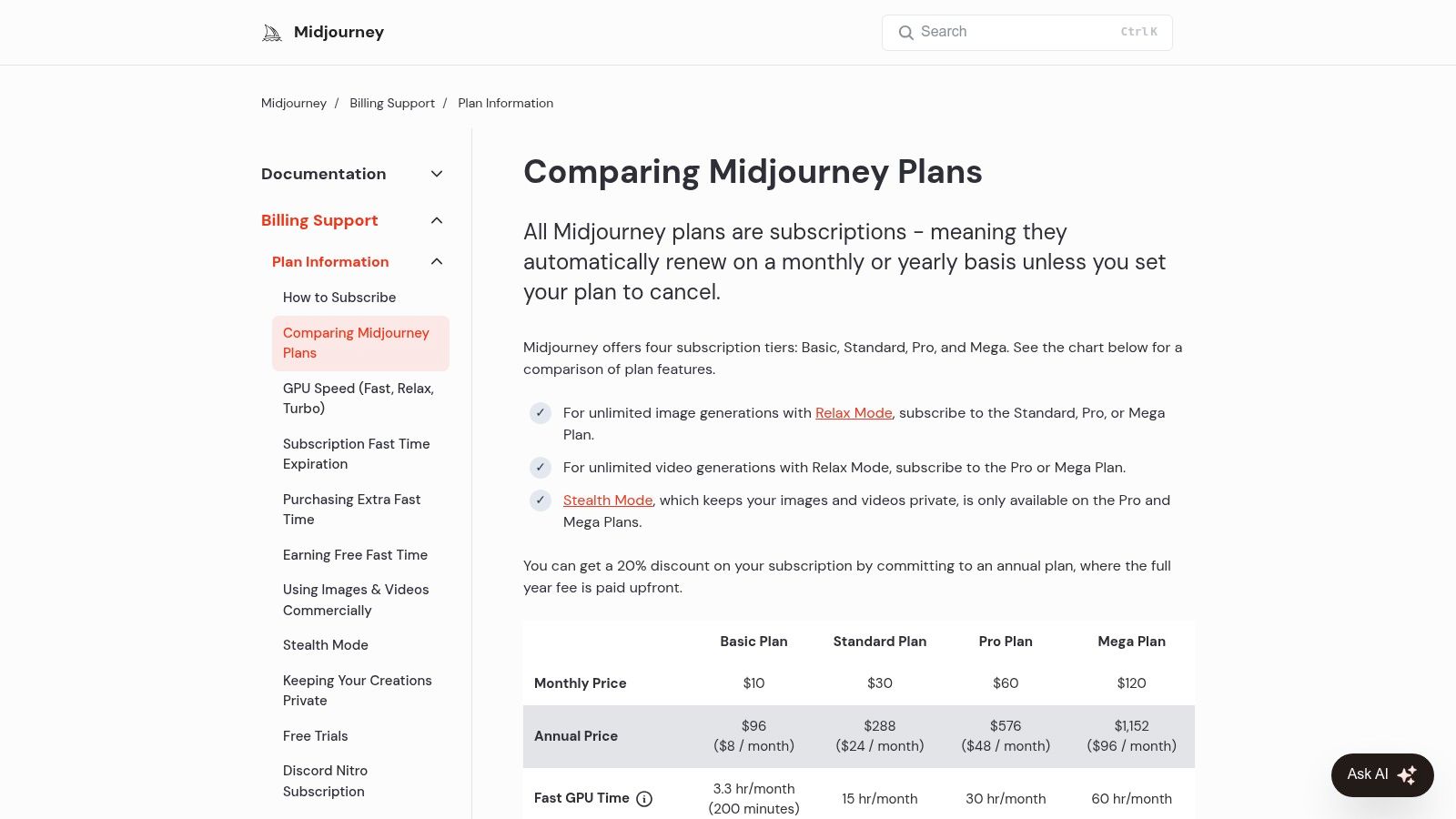
Midjourney is a premium service with several subscription tiers (Basic, Standard, Pro, and Mega), each offering a different amount of "fast" GPU time for quick image generation. Higher-tier plans include "Relax Mode," which provides unlimited, albeit slower, image generation. Privacy features, such as "Stealth Mode" to keep your generations private, are also locked behind the more expensive Pro and Mega plans.
| Pros | Cons |
|---|---|
| Produces exceptionally high-quality, artistic, and stylised images. | The Discord-based interface has a steeper learning curve than web UIs. |
| An active and supportive community for sharing prompts and tips. | Commercial use and privacy features require more expensive subscription tiers. |
| Consistent development with new features like video generation. | Image generation can be slower during peak times. |
Website: https://docs.midjourney.com/docs/plans
6. Leonardo.Ai
Leonardo.Ai is a comprehensive image and video generation platform that excels at creating highly stylised and brand-aligned visuals. It's built for creators who need consistency and control, offering powerful tools to train custom AI models on specific aesthetics. This focus on bespoke model training makes it one of the best AI tools for content creation for teams needing to generate product shots, branded artwork, or ad visuals that adhere to a strict style guide.
Beyond simple generation, Leonardo.Ai provides a robust ecosystem for collaboration. With features like private generations, shared token pools for teams, and API access, it supports workflows from individual artists to large marketing departments, bridging the gap between creative exploration and scalable production.
Key Features and Use Cases
- Standout Feature: The ability to train your own AI models is a significant advantage. By uploading as few as 10-15 images of a product or art style, you can create a custom model that generates new assets with remarkable consistency.
- Ideal For: E-commerce brands creating diverse product mockups, marketing teams producing on-brand campaign visuals, and game developers generating consistent character or environment art. For more on creating professional product images, learn about AI studio photography.
- Practical Tip: Leverage the "Image Guidance" feature alongside your trained model. This allows you to upload a reference image to influence the composition and structure of the generated output for even greater creative control.
Pricing and Access
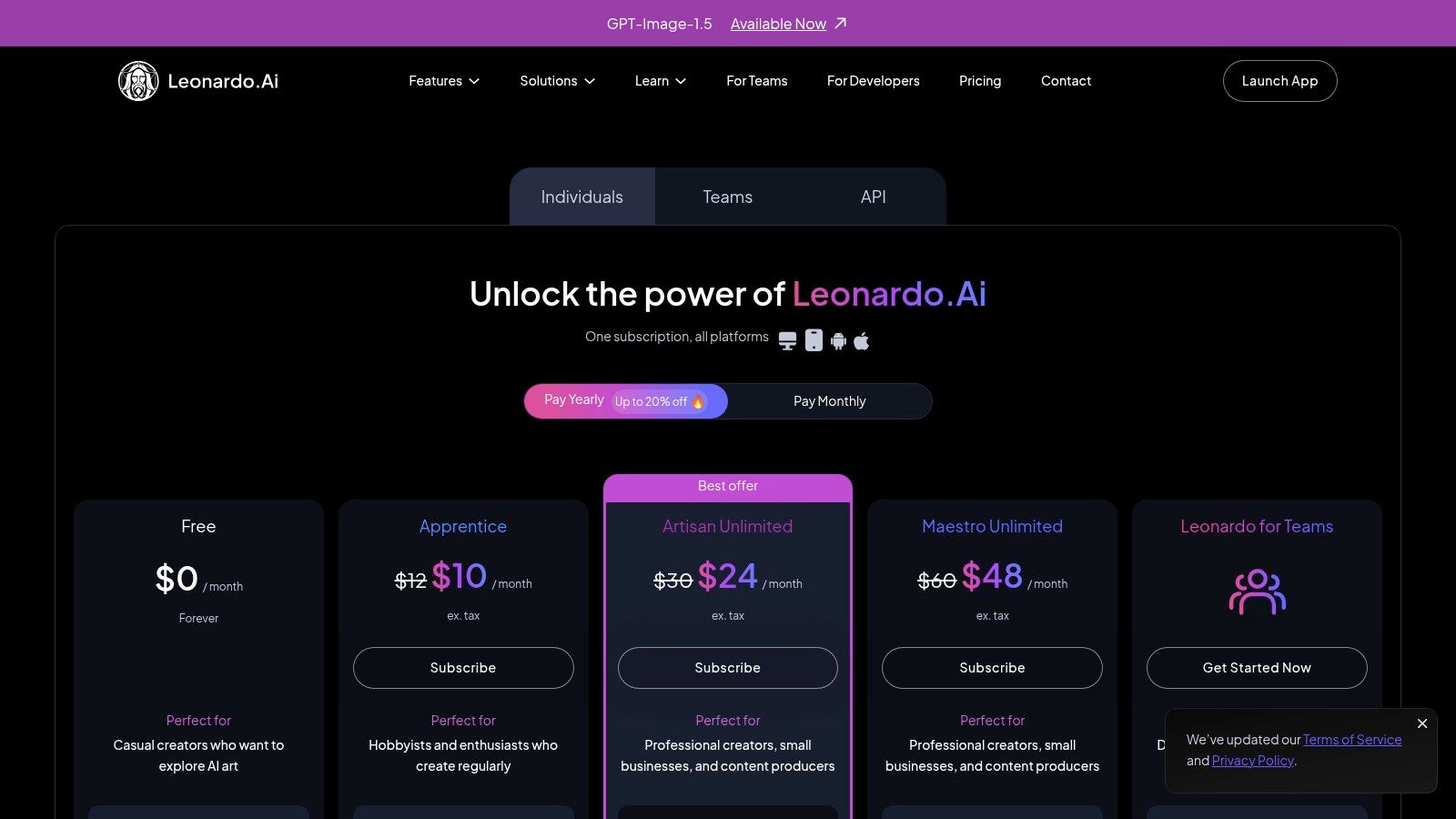
Leonardo.Ai uses a token-based system, with a free tier that provides a daily token allowance. Paid plans offer larger monthly token allotments, faster generation speeds, and access to premium features like API access and the "Relaxed Generation" mode, which offers unlimited standard-quality image creation on select plans. Note that prices shown often exclude taxes like GST/VAT, which may be added depending on your region.
| Pros | Cons |
|---|---|
| Strong tools for training custom models on brand aesthetics. | Relaxed/unlimited generation may not apply to all models. |
| Teams features facilitate collaboration and asset management. | Pricing can be confusing as it excludes potential taxes (GST/VAT). |
| API access is available for integration into other workflows. | The user interface can feel complex for absolute beginners. |
Website: https://leonardo.ai/pricing/
7. Synthesia
Synthesia is a leading enterprise-grade AI video platform designed for creating professional videos at scale without cameras or microphones. It excels in converting text into polished video presentations using realistic AI avatars, making it one of the most efficient AI tools for content creation for corporate communications, employee training, and localised marketing campaigns. The platform’s focus is on security, compliance, and scalability for large organisations.
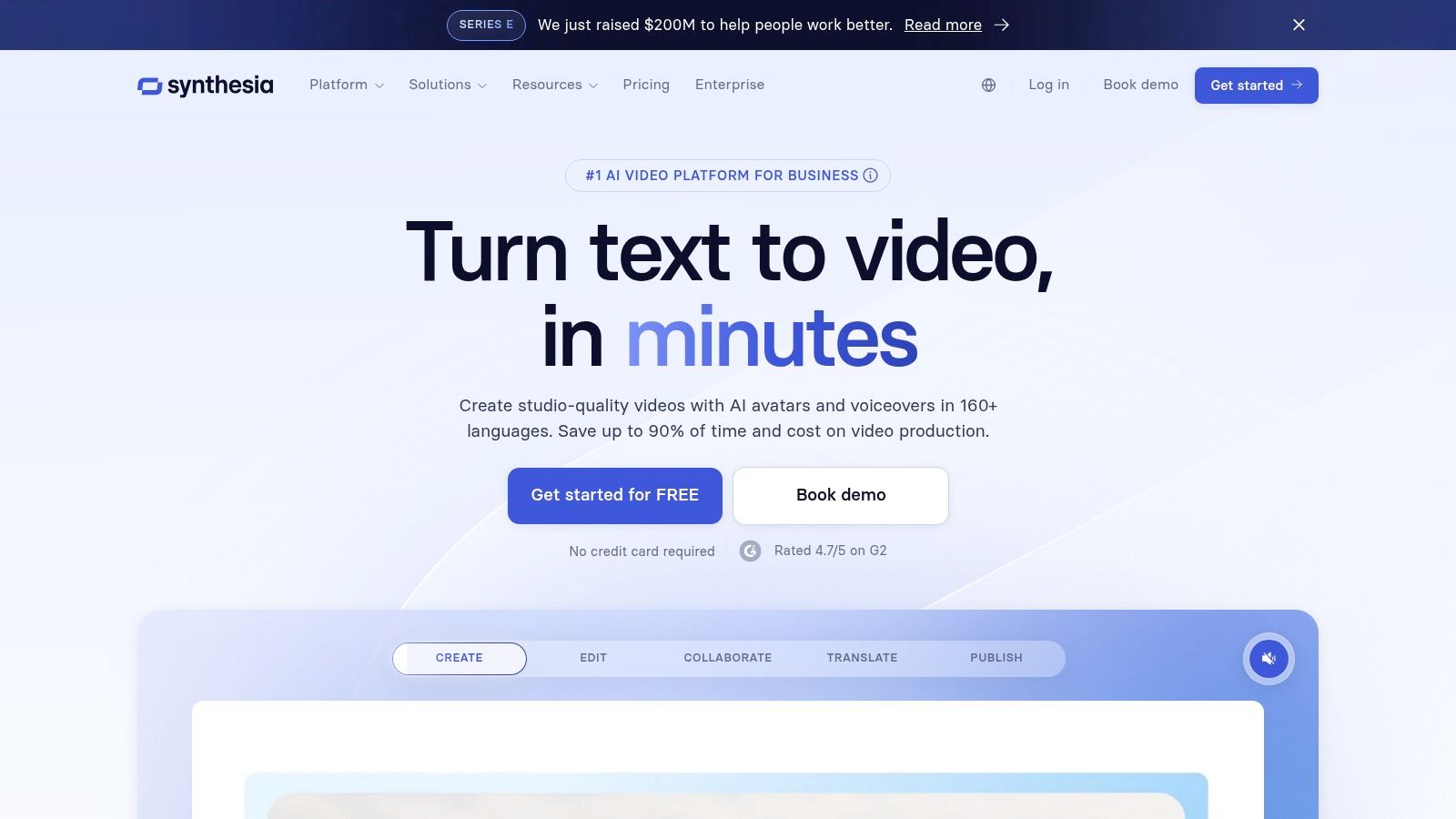
Its core strength lies in its ability to produce consistent, high-quality video content quickly and in multiple languages. By offering a secure, web-based editor and features like SOC 2 compliance and single sign-on (SSO), Synthesia provides the trust and reliability that large businesses require when deploying new technology across their teams.
Key Features and Use Cases
- Standout Feature: The platform's extensive library of over 160 stock AI avatars and support for 160+ languages and accents for voiceovers is unparalleled for global content localisation.
- Ideal For: HR teams creating onboarding and compliance training modules, global marketing teams producing localised product explainers, and support teams developing video-based help articles.
- Practical Tip: Upload your company’s brand kit, including fonts, logos, and colours, to ensure every video generated maintains perfect brand consistency across all departments and regions.
Pricing and Access
Synthesia offers tiered pricing starting with a Personal plan for individuals. The Starter and Creator plans are designed for small teams, providing more video minutes and features. For large-scale use, the Enterprise plan offers unlimited video, custom avatars, and enhanced security features, with pricing available through direct sales consultation.
| Pros | Cons |
|---|---|
| Strong legal and compliance posture (SOC 2, GDPR). | Avatar style can feel more corporate than cinematic. |
| Scales exceptionally well for multi-language training. | Advanced enterprise pricing is not transparent and requires sales contact. |
| User-friendly interface simplifies complex video creation. | Less suited for highly creative or artistic video projects. |
Website: https://www.synthesia.io/
8. HeyGen
HeyGen is a specialised AI video generation platform designed for creating polished, avatar-led content without cameras or microphones. It excels at producing explainer videos, sales outreach, and training materials by converting scripts into videos featuring realistic AI avatars. This focus on scalable, presenter-style video makes it one of the most practical AI tools for content creation for corporate and educational purposes.
The platform's standout capability is its powerful localisation features. HeyGen can translate your video script and dub it into over 175 languages, automatically syncing the avatar's lip movements to the new audio. This makes it an incredibly efficient tool for global marketing teams looking to adapt content for different regions quickly. For a deeper dive into how this technology works, you can learn more about the process of creating an AI talking avatar.
Key Features and Use Cases
- Standout Feature: The Video Translate tool is a significant time-saver, offering one-click translation, voice cloning, and lip-syncing for localising content at scale.
- Ideal For: Marketing teams creating personalised sales videos, L&D departments producing multilingual training modules, and social media managers repurposing a single video for a global audience.
- Practical Tip: When creating a custom avatar, record your "consent" video in a well-lit environment with minimal background noise and look directly into the camera to ensure the highest quality clone.
Pricing and Access
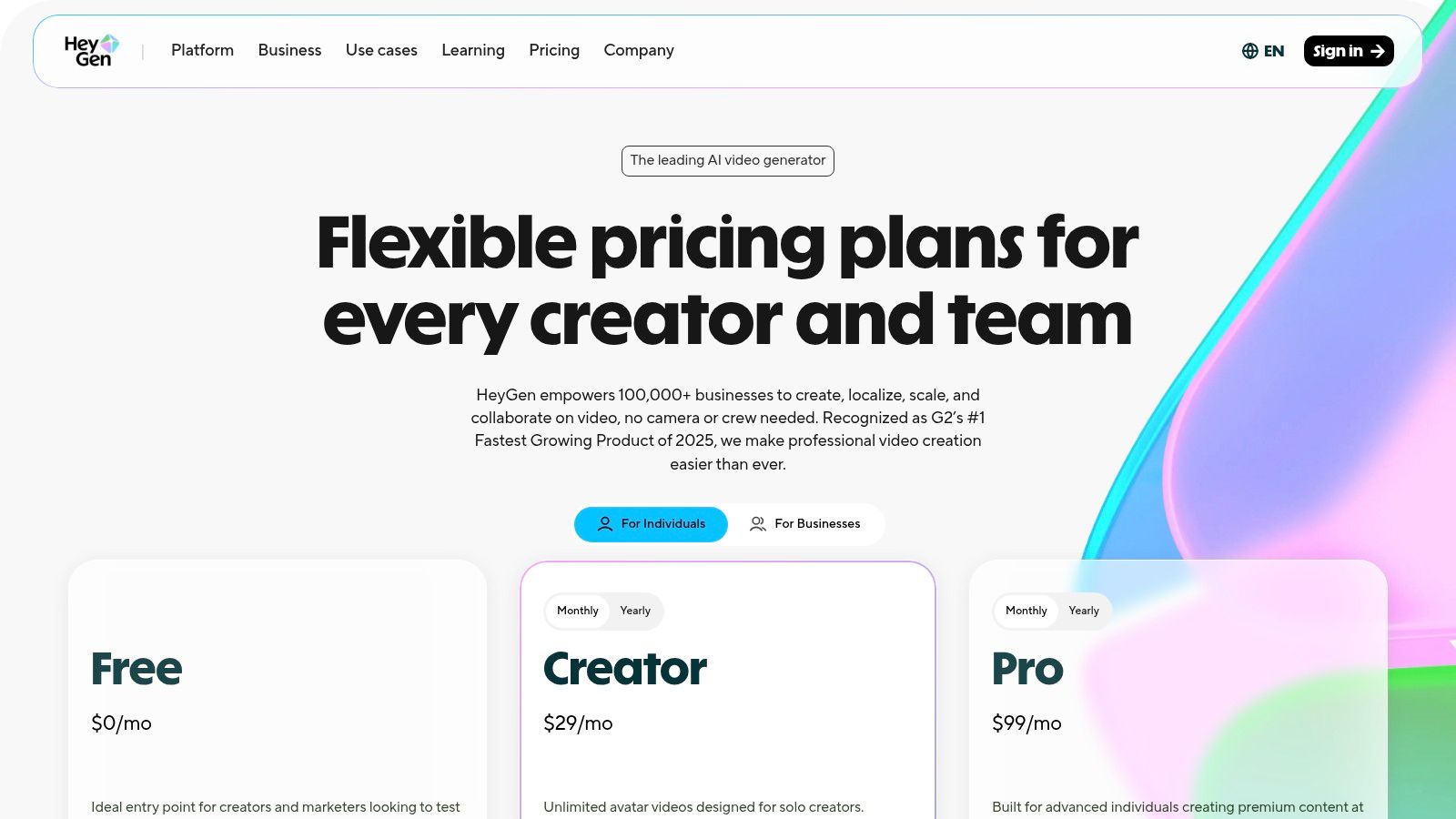
HeyGen uses a subscription model based on credits, which are consumed for video generation, premium avatars, and features like translation. There is a limited free plan to test the platform. Paid plans offer a monthly credit allowance, with options for faster processing and higher-resolution exports. Additional credit packs can be purchased if you exceed your plan's limits. API access is also available with clear pricing tiers for developers.
| Pros | Cons |
|---|---|
| Unlimited video creation is available on paid plans. | Credit system for premium features can be costly for heavy workloads. |
| Excellent language and localisation coverage (175+). | Recent changes to team plans may cause confusion for business users. |
| Clear API tiers are offered for integration. | Custom avatar and voice cloning quality is highly dependent on input data. |
Website: https://www.heygen.com/pricing
9. Descript
Descript revolutionises audio and video editing by turning it into a text-based process, similar to editing a document. This unique approach allows creators to edit media by simply cutting, pasting, or deleting words in an automatically generated transcript. It's one of the most intuitive AI tools for content creation for podcasters, YouTubers, and anyone producing spoken-word content, drastically speeding up the rough-cutting process.
The platform integrates a suite of powerful AI features, including Overdub for voice cloning, Studio Sound for noise reduction, and filler-word removal ("um," "uh") with a single click. Furthermore, its inclusion of SquadCast for remote recording consolidates the entire podcast production workflow into one application, from interview to final export.
Key Features and Use Cases
- Standout Feature: The Edit-by-Text workflow is its core innovation. Deleting a sentence from the transcript instantly removes the corresponding audio and video segment, making editing incredibly fast and accessible.
- Ideal For: Podcasters cleaning up interviews, video creators adding captions and subtitles, and corporate teams producing training materials or meeting summaries.
- Practical Tip: Use the "Find filler words" feature to highlight all instances of "ums" and "ahs," then use "Remove from script" to delete them all in one go for a cleaner, professional-sounding track.
Pricing and Access
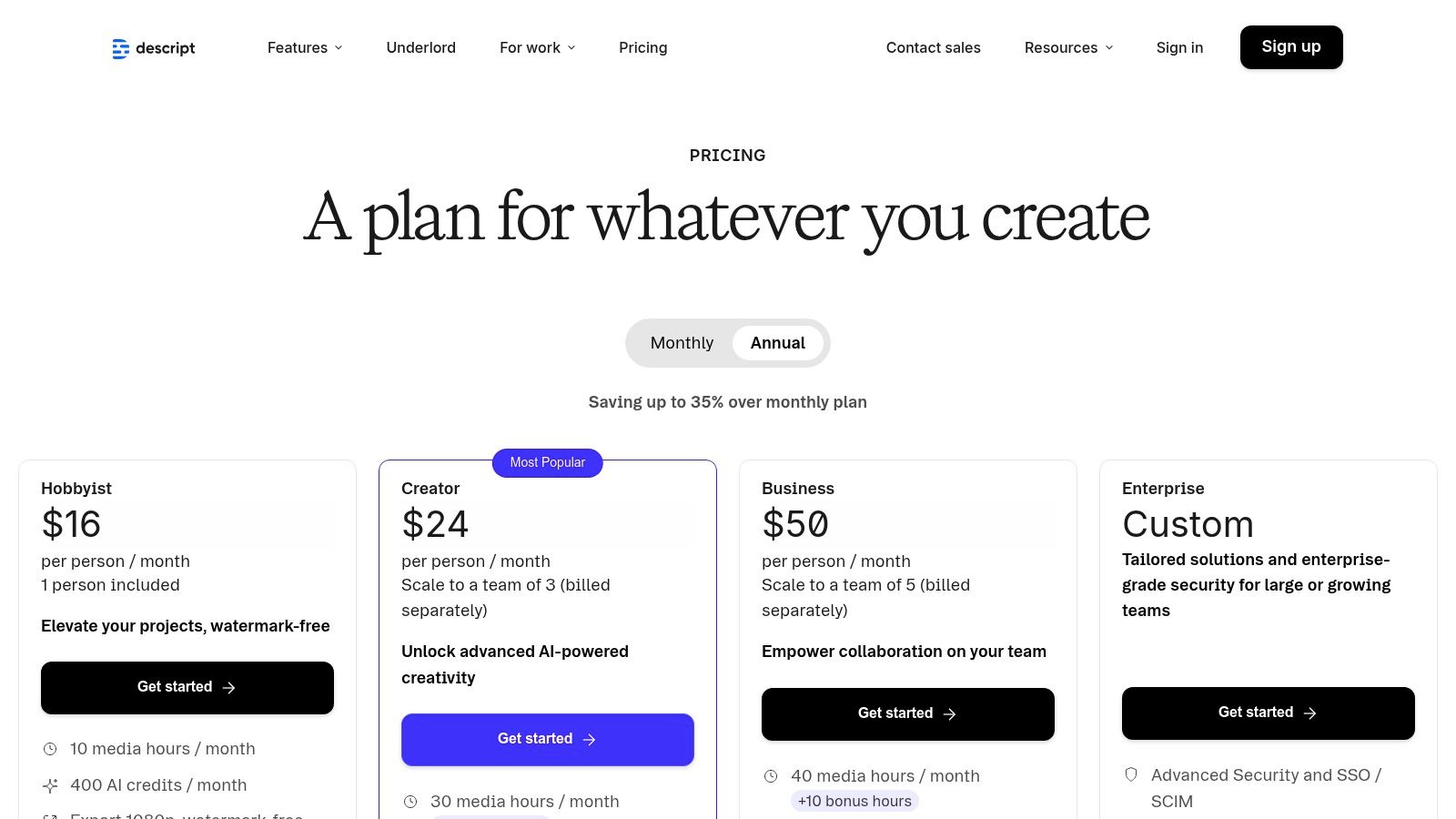
Descript offers a free plan with limited transcription hours and a watermarked video export. Paid plans (Creator, Pro) unlock more features like watermark-free exports, unlimited transcription, and increased limits for remote recording and Overdub. The pricing model uses a combination of media minutes for storage and AI credits for features like translation and voice generation, which requires some initial understanding.
| Pros | Cons |
|---|---|
| Very fast rough-cutting and editing via transcripts. | Learning curve around resource limits (media minutes vs AI credits). |
| Integrated remote recording removes need for separate services. | Advanced avatar/translation features require higher tiers. |
| Powerful AI tools for audio enhancement and filler word removal. | AI voice cloning can sometimes sound robotic without careful tuning. |
Website: https://www.descript.com/pricing
10. Kapwing
Kapwing is an entirely browser-based video editing suite built from the ground up for modern social media workflows. It excels at repurposing content, offering a powerful set of AI tools for content creation focused on speed and collaboration. Instead of a traditional timeline, its text-based video editor allows teams to quickly trim, generate clips, and add dynamic effects, streamlining the process of turning long-form videos into engaging social snippets.
The platform's strength lies in its integrated workflow. Creators can generate accurate subtitles, translate them into multiple languages, create AI-powered voiceovers, and find relevant B-roll without ever leaving their web browser. This all-in-one approach makes it a favourite among marketing teams and social media managers who need to produce a high volume of video content efficiently.
Key Features and Use Cases
- Standout Feature: The text-based video editor combined with automatic subtitling is a major time-saver. You can edit your video by simply editing the transcribed text, and the platform offers extensive customisation options to get your auto subtitle style just right.
- Ideal For: Social media managers turning podcasts into Reels, marketing teams localising video ads with translated subtitles and dubs, and content creators batch-producing short-form clips from a single webinar.
- Practical Tip: Use the "Repurpose" tool to automatically generate multiple short clips with different aspect ratios from one long video. Let the AI identify potentially viral moments to save significant editing time.
Pricing and Access
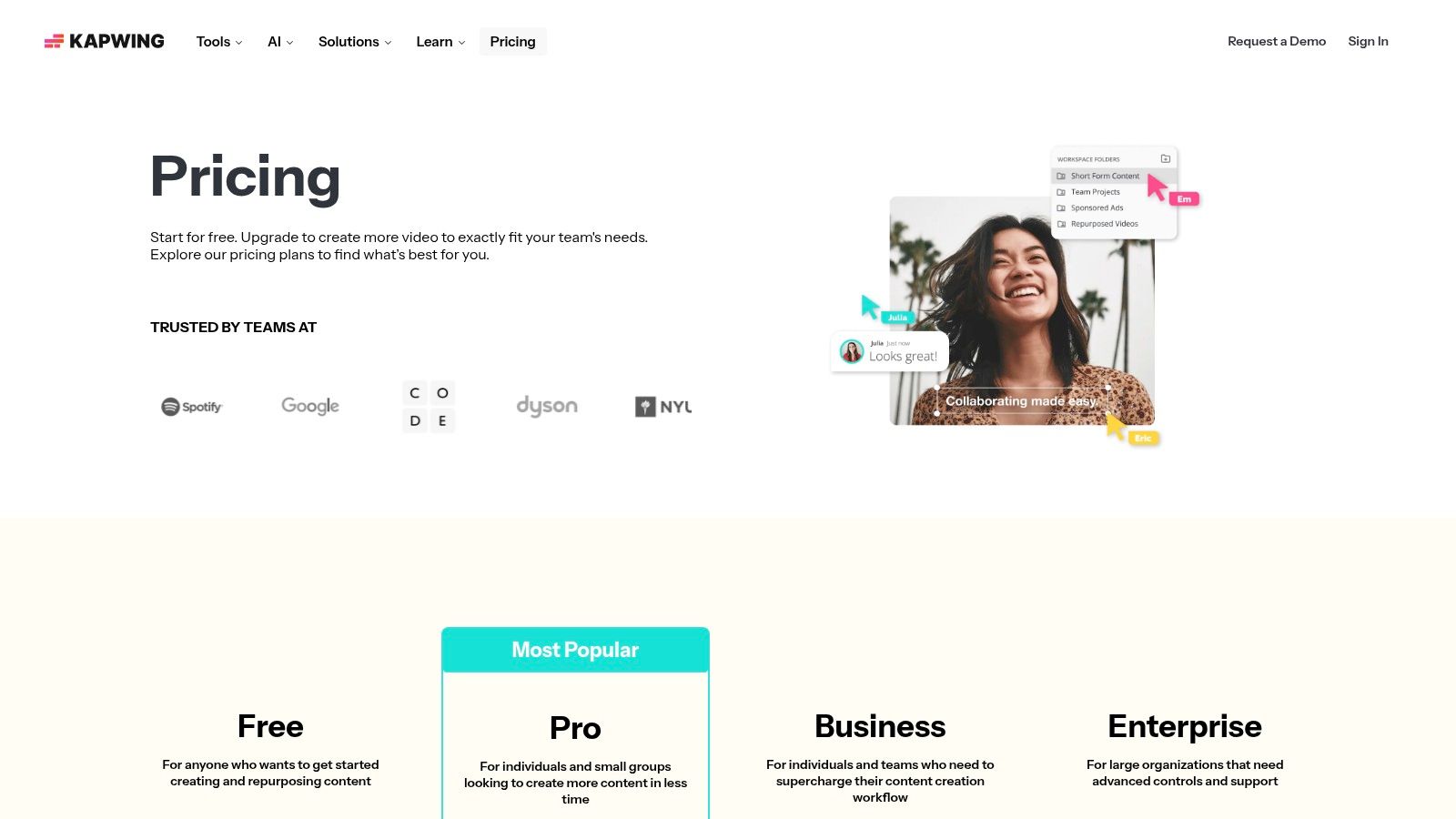
Kapwing offers a free tier that is great for testing the platform, though it includes a watermark and limits exports to 720p. Paid plans (Pro and Business) remove these limitations, unlock 4K exports, and provide a monthly allowance of AI credits. These credits are used for advanced features like AI dubbing, removing background noise, and generative AI tasks.
| Pros | Cons |
|---|---|
| Team-friendly, fully web-based toolset suited to content repurposing. | Free plan exports include a watermark and are capped at 720p. |
| Transparent pricing with generous Pro credit allotments. | Heavy dubbing or AI effects can consume credits quickly on lower tiers. |
| Strong workflow for creating subtitles, dubs, and short social videos. | Performance can depend on internet connection speed for large projects. |
Website: https://www.kapwing.com/pricing
11. Jasper
Jasper is a marketing-focused AI writing and design assistant engineered to help teams create high-quality, on-brand content at scale. It distinguishes itself by moving beyond simple text generation to offer a suite of tools for maintaining brand consistency, making it one of the most effective AI tools for content creation for marketing departments and agencies. Features like Brand Voice and Knowledge Base allow users to train the AI on their specific style guides, product details, and audience profiles.
This focus on brand alignment ensures that everything from ad copy and social media captions to blog posts and creative briefs remains consistent. The platform's campaign orchestration features and browser extension further streamline the content creation process, embedding AI assistance directly into a team's existing workflows across various applications.
Key Features and Use Cases
- Standout Feature: The Brand Voice and Knowledge Base capabilities are exceptional. You can upload marketing materials, style guides, and product information to create a unique profile that ensures all generated content aligns perfectly with your brand's tone and factual accuracy.
- Ideal For: Marketing teams developing multi-channel campaigns, content managers needing to produce SEO-optimised blog posts, and social media managers looking to quickly generate a high volume of on-brand captions and ad variations.
- Practical Tip: Use the Jasper browser extension to bring your Brand Voice directly into Google Docs, your CMS, or social media scheduling tools. This eliminates the need to copy-paste and ensures consistency wherever you work.
Pricing and Access
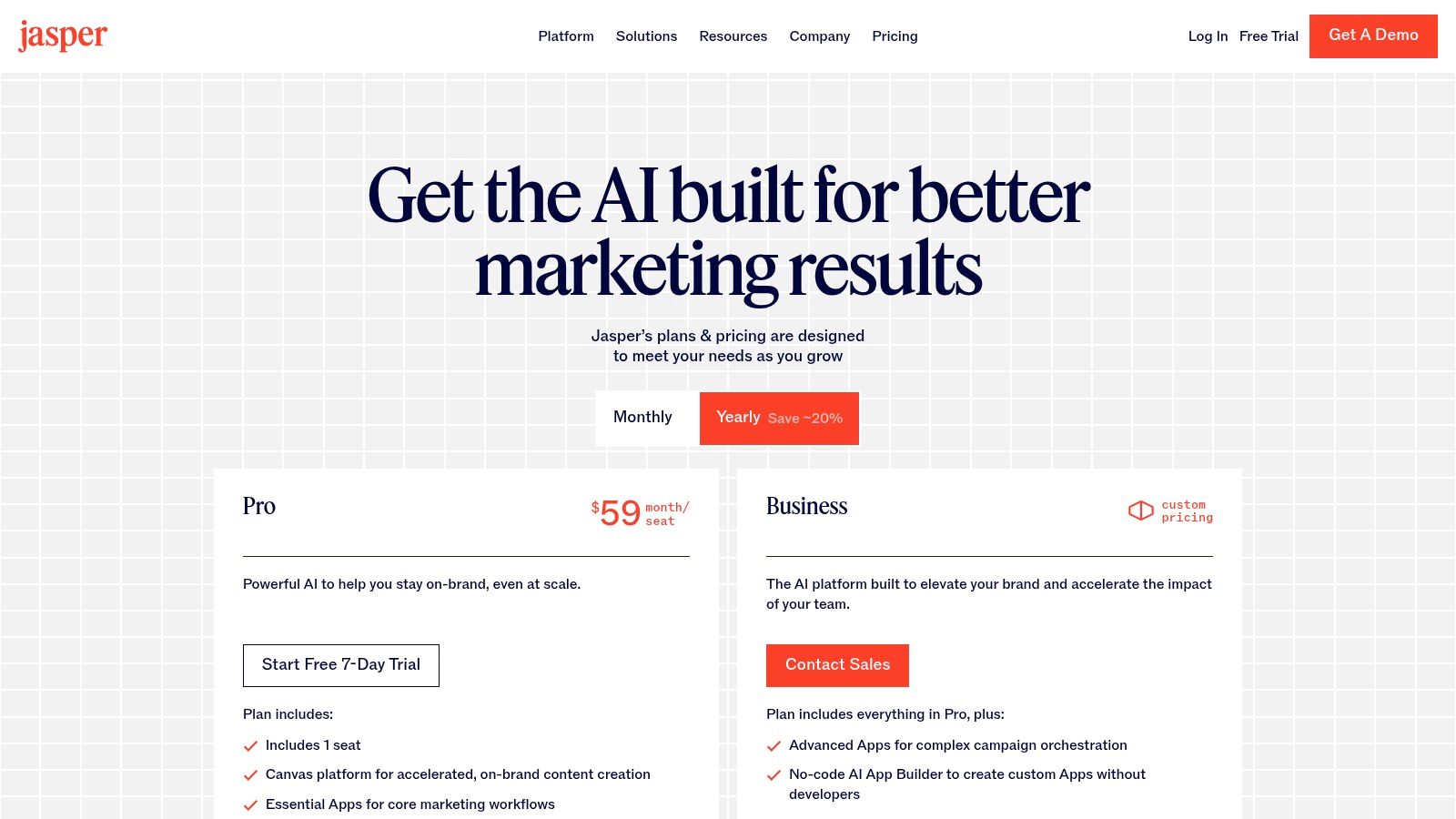
Jasper offers several subscription tiers, starting with a Creator plan for individuals and scaling up to Pro and Business plans designed for teams and enterprises. A free trial is available to test the features. The best value is often found in the team-oriented plans, which unlock advanced collaboration, governance, and unlimited Brand Voices.
| Pros | Cons |
|---|---|
| Excellent on-brand content controls for teams. | Best value is at team or enterprise levels; individual plan has caps. |
| Enterprise governance and API support for larger organisations. | Image tools are useful but not a full-featured digital content replacement. |
| Free trial available to evaluate features. | Can be a more expensive option for solo creators or small businesses. |
Website: https://www.jasper.ai/pricing
12. AppSumo
AppSumo isn't a single AI tool but a curated digital marketplace that offers lifetime deals (LTDs) on a vast array of emerging software, including many powerful AI tools for content creation. It serves as a discovery platform for creators looking to build their toolkit without committing to expensive monthly subscriptions. For content teams on a budget, it provides an opportunity to acquire innovative AI copywriting, video editing, SEO, and automation software at a fraction of the standard cost.
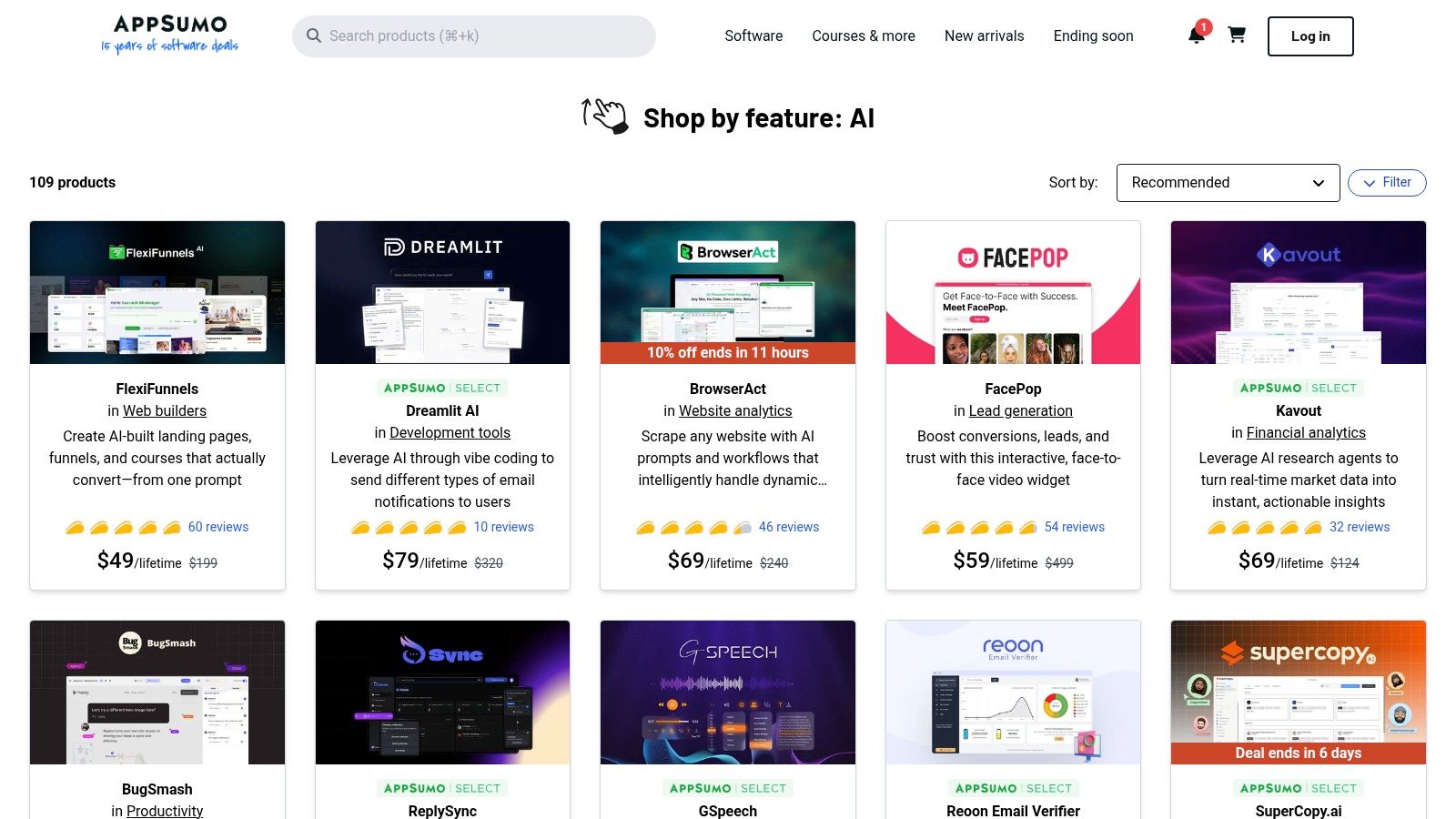
The platform stands out by vetting and bundling tools, often providing exclusive discounts that make cutting-edge technology accessible. This is especially useful for testing new vendors or finding niche solutions that mainstream platforms might not offer, such as specialised AI tools for generating video scripts. For those interested in this specific area, you can learn more about using an AI script generator to streamline your pre-production workflow.
Key Features and Use Cases
- Standout Feature: The access to Lifetime Deals (LTDs) is AppSumo's core value. Paying once for lifetime access to a promising AI tool can deliver an incredible return on investment.
- Ideal For: Solopreneurs, startups, and small marketing teams wanting to experiment with a wide range of AI tools without high recurring costs. It's also great for discovering up-and-coming platforms before they become widely known.
- Practical Tip: Read the user reviews on each deal page carefully. The community feedback is often brutally honest and provides real-world insights into a tool's capabilities, limitations, and the responsiveness of its support team.
Pricing and Access
Pricing is deal-specific. Most offers are one-time payments for lifetime access, often with tiered plans (e.g., Tier 1, Tier 2) that unlock more features or higher usage limits. AppSumo offers a 60-day money-back guarantee on most purchases, allowing for a risk-free trial period.
| Pros | Cons |
|---|---|
| Cost-effective way to acquire a diverse set of AI tools via lifetime deals. | Deals are time-limited and may not return once they expire. |
| Wide variety of tools across content, SEO, video, and automation categories. | Some tools are from early-stage startups and may lack long-term support. |
| Strong community reviews help in making informed purchasing decisions. | The best tools can sell out quickly due to limited deal redemptions. |
Website: https://appsumo.com/collections/features/ai/
AI Content Creation Tools — 12-Tool Comparison
| Platform | Core features | UX / Quality ★ | Value / Pricing 💰 | Audience & USP 👥✨ |
|---|---|---|---|---|
| Glima AI 🏆 | Text→image & text→video, multi‑ref animation, AI avatars, smart editors (bg/watermark remover, upscaling) | ★★★★★ Fast, cinematic & realistic outputs | 💰 Team & enterprise plans (see site) — built for scale | 👥 Marketers, e‑commerce, designers, filmmakers ✨ All‑in‑one toolkit; 100+ styles & specialized workflows |
| Adobe Firefly | Text→image/video, integrated editors, partner models, CC sync | ★★★★ Brand‑safe, polished results | 💰 Credit‑based tiers (video credits) | 👥 Creators & agencies ✨ Creative Cloud integration & commercial workflows |
| Canva Magic Studio | Magic Write/Media, Magic Switch, templates, built‑in editor | ★★★★ Super low learning curve | 💰 Freemium + paid plans; some AI gated | 👥 Social teams & marketers ✨ Massive template library & brand controls |
| Runway | Gen‑4/4.5 video & image, timeline editor, audio tools, Turbo modes | ★★★★ Fast prototyping & iterations | 💰 Credit‑based; higher tiers for heavy video | 👥 Filmmakers & editors ✨ Timeline + cinematic Gen‑4 models |
| Midjourney | High‑quality stylized image gen, Discord workflow, new short‑video features | ★★★★ Produces striking, stylized art | 💰 Subscription tiers (Relax mode on higher plans) | 👥 Artists & concept designers ✨ Strong community & prompt resources |
| Leonardo.Ai | Style libraries, model training, Teams, API access | ★★★★ Consistent brand styles | 💰 Token system & paid plans; team options | 👥 Brands & studios ✨ Train models for custom brand aesthetics |
| Synthesia | Studio avatars, 160+ voices, dubbing, compliance (GDPR/SOC2/SSO) | ★★★★ Enterprise‑grade, reliable | 💰 Enterprise pricing (sales‑driven) | 👥 Enterprise L&D & marketing ✨ Security, scaling & localization |
| HeyGen | 500+ stock avatars, custom avatar/voice cloning, translation/dubbing | ★★★★ Fast avatar video creation | 💰 Credits & add‑ons; clear API tiers | 👥 Explain ers, sales, localized social ✨ Wide avatar/voice library |
| Descript | Edit‑by‑text, overdub, auto‑captions, Studio Sound, remote recording | ★★★★ Rapid transcript‑based editing | 💰 Media minutes & AI credits; tiered plans | 👥 Podcasters & video editors ✨ Edit via transcript & integrated recording |
| Kapwing | Edit‑by‑text, auto‑subtitles/translation, batch repurposing, team tools | ★★★★ Web‑first, team‑friendly | 💰 Pro credits for advanced actions; free tier w/ watermark | 👥 Social teams & content repurposers ✨ Batch workflows & collaboration |
| Jasper | Brand Voices, Knowledge profiles, campaign orchestration, Canvas | ★★★★ On‑brand marketing outputs | 💰 Team/enterprise focus; trial available | 👥 Marketers & content teams ✨ Governance + brand control for copy |
| AppSumo | Curated deals, bundles, buyer reviews, LTDs | ★★★ Good for discovery & bargains | 💰 Cost‑effective lifetime deals & discounts | 👥 Startups & SMBs ✨ Cheap way to test niche AI/SaaS tools |
Choosing the Right AI Tool for Your Creative Needs
Navigating the expansive landscape of AI tools for content creation can feel overwhelming, but as we've explored, the journey is about finding the right fit, not the perfect tool. The platforms we've detailed, from the powerful text generation of Jasper to the versatile design suite of Canva Magic Studio, each offer a unique solution to a specific creative challenge. The key is to shift your perspective from "which tool is best?" to "which tool is best for my workflow?"
This guide has showcased a spectrum of capabilities. We've seen how dedicated video platforms like Runway and HeyGen are revolutionising motion content, while image specialists like Midjourney and Leonardo.Ai continue to push the boundaries of visual artistry. Meanwhile, editors like Descript and Kapwing are fundamentally changing how we approach post-production, making complex tasks accessible to everyone. The common thread is efficiency: these tools are designed to automate the repetitive, accelerate the tedious, and liberate you to focus on high-level creative strategy and ideation.
Making a Strategic Choice
To select the right AI tool, start with a clear audit of your current creative process. Identify the most significant bottlenecks. Is it the time spent on initial drafts? The complexity of video editing? Or the cost and logistical challenges of producing original visual assets?
Consider the following factors when making your decision:
- Primary Use Case: Are you generating blog posts, social media visuals, product videos, or all of the above? A specialist tool might excel at one task, while a platform like Glima AI or Adobe Firefly offers broader utility across different media types.
- Skill Level and Team Collaboration: Evaluate the learning curve. A tool like Canva is built for accessibility, whereas Midjourney requires a deeper understanding of prompt engineering. If you're working with a team, consider platforms with collaborative features and asset management.
- Integration and Workflow: How well does the tool fit into your existing software stack? Look for integrations that streamline your process rather than adding another siloed step. A unified platform can often be more efficient than juggling multiple, disconnected subscriptions.
- Budget and Scalability: Assess the pricing models. A free or low-cost plan is excellent for experimentation, but consider if the platform can scale with your needs as your content demands grow. Look for a solution that offers a clear and valuable return on investment.
Implementing AI Responsibly
As you integrate these powerful AI tools for content creation, it's crucial to maintain a strategic and ethical approach. Always use AI-generated content as a starting point, a creative partner to augment your own skills and vision. Inject your unique brand voice, fact-check information, and ensure the final output aligns with your quality standards.
For creators heavily involved in audio, such as podcasters or video producers, a significant part of the workflow is transcription. Efficiently converting audio to text for show notes, subtitles, or blog content is a huge time-saver. As you build your AI toolkit, exploring dedicated resources like the best AI transcription apps for podcasts can provide invaluable insights into optimising that specific part of your production process.
The era of AI in content creation isn't about replacing human creativity; it's about amplifying it. By thoughtfully selecting and implementing these tools, you can break through creative barriers, produce content at an unprecedented scale, and dedicate more of your valuable time to the strategic thinking and storytelling that truly connect with your audience. The future is a collaborative one, where human ingenuity and artificial intelligence work together to create something extraordinary.
Ready to unify your creative workflow and eliminate the need for multiple, expensive subscriptions? Discover how Glima AI's all-in-one platform for high-quality image and video generation, paired with a powerful suite of smart editors, can streamline your entire content creation process. Start creating faster and more efficiently today by visiting Glima AI.